
















 Gift Cards
 Film Index
 FAQ
FAQ Film Developing
 35mm
35mm 120/220
 Single Use Cameras
 110/126/Advantix
 Sheet Film
 Scan Negs/Slides
 Prints
 Prints from Digital Files
 Enlargements
 Canvas, Metal & More
 Wood Prints
 Desktop Framed Prints
 HD Metal
 Your Account & Albums


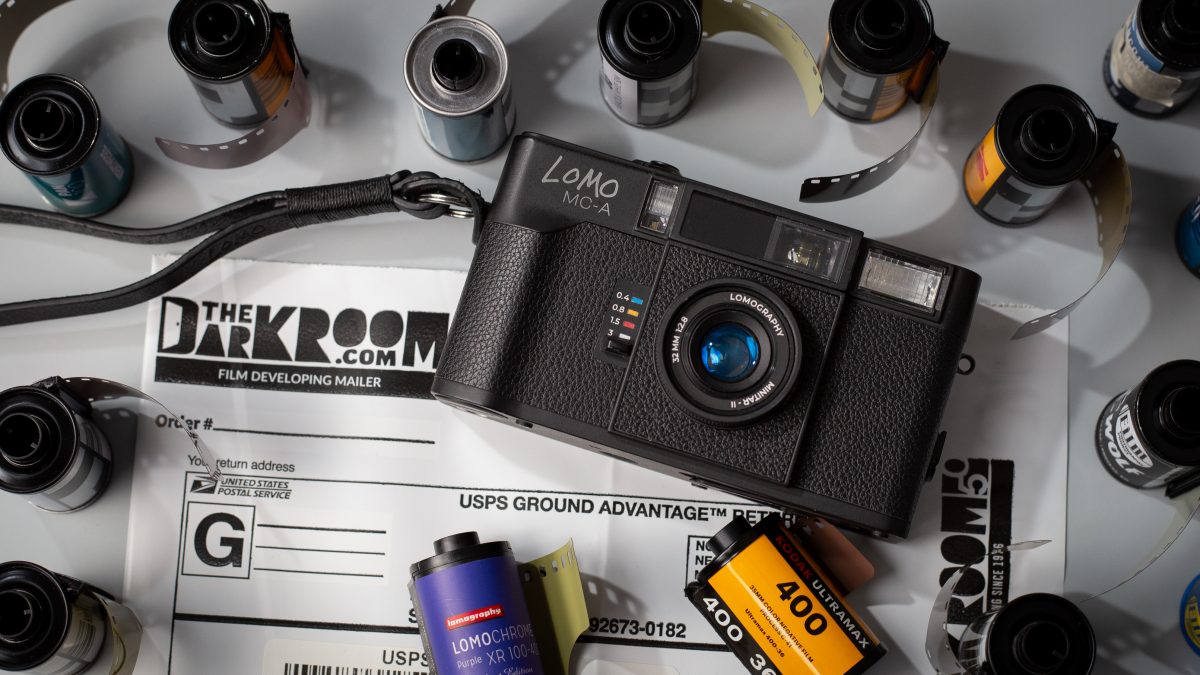
For the past couple of weeks, we’ve been lucky enough to shoot with the final production version of the Lomography Lomo MC-A ahead of its official release. We’ve put multiple rolls through it, tested it across a wide range of conditions, explored its features, and spent real time learning its strengths, quirks, and overall personality and the experience has been genuinely exciting.
Not just because it’s a new film camera, but because this is something we truly haven’t seen in a long time: a brand new, modern autofocus point and shoot film camera that goes far beyond the basics. To our knowledge, this may be the most advanced newly manufactured film camera released in the last 15 years.
Why the Lomo MC-A Is a Big Deal
In an era where most film cameras are decades old, increasingly fragile, and difficult to repair, the Lomo MC-A stands out immediately.
This camera offers:
- LiDAR Autofocus which is great in lowlight
- Full auto exposure
- Aperture priority
- Full manual exposure
- Zone focusing
- Exposure compensation in auto modes
- Double exposure mode
- Multiple flash modes
- Multiple self-timer options
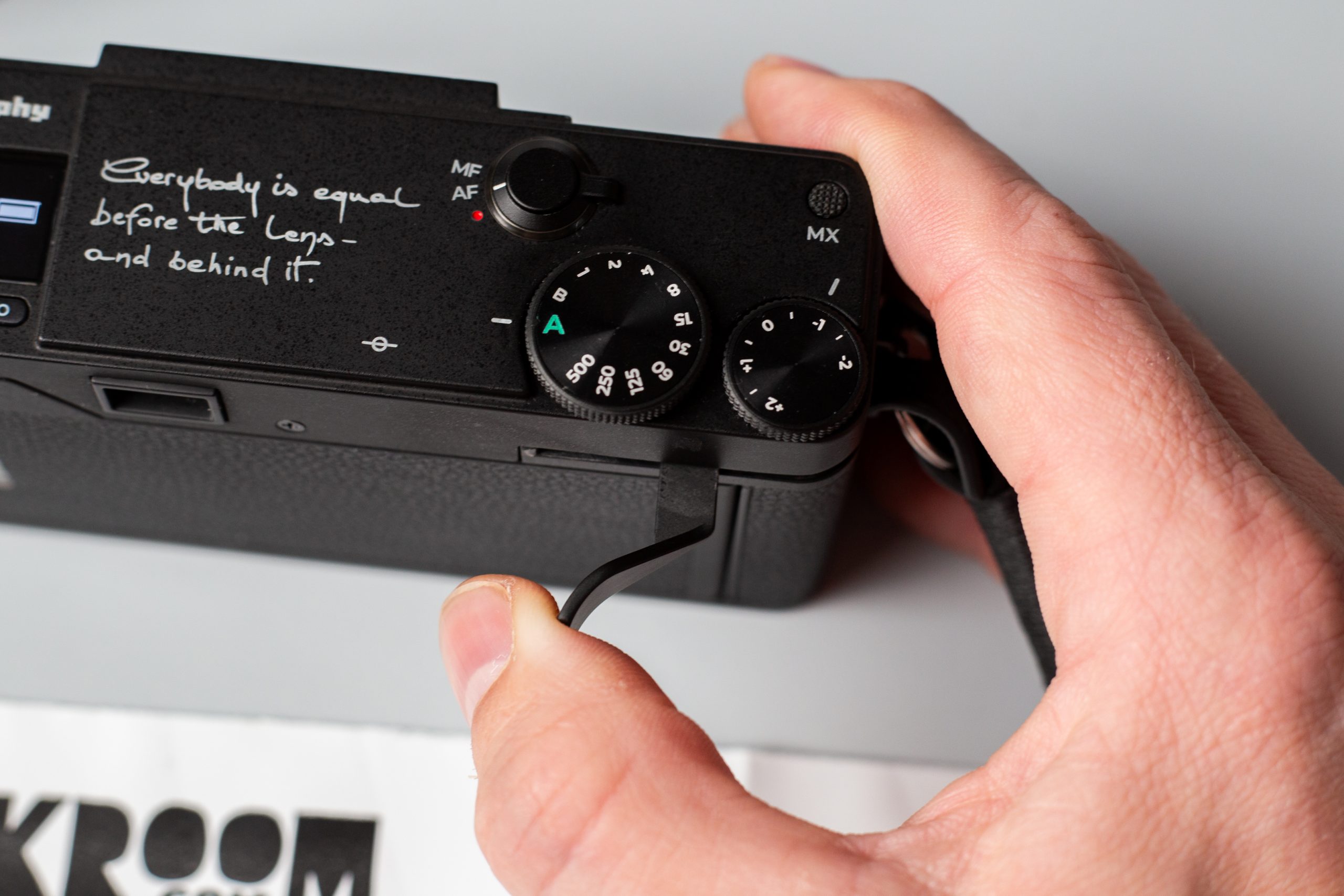
- A top LCD with intuitive controls
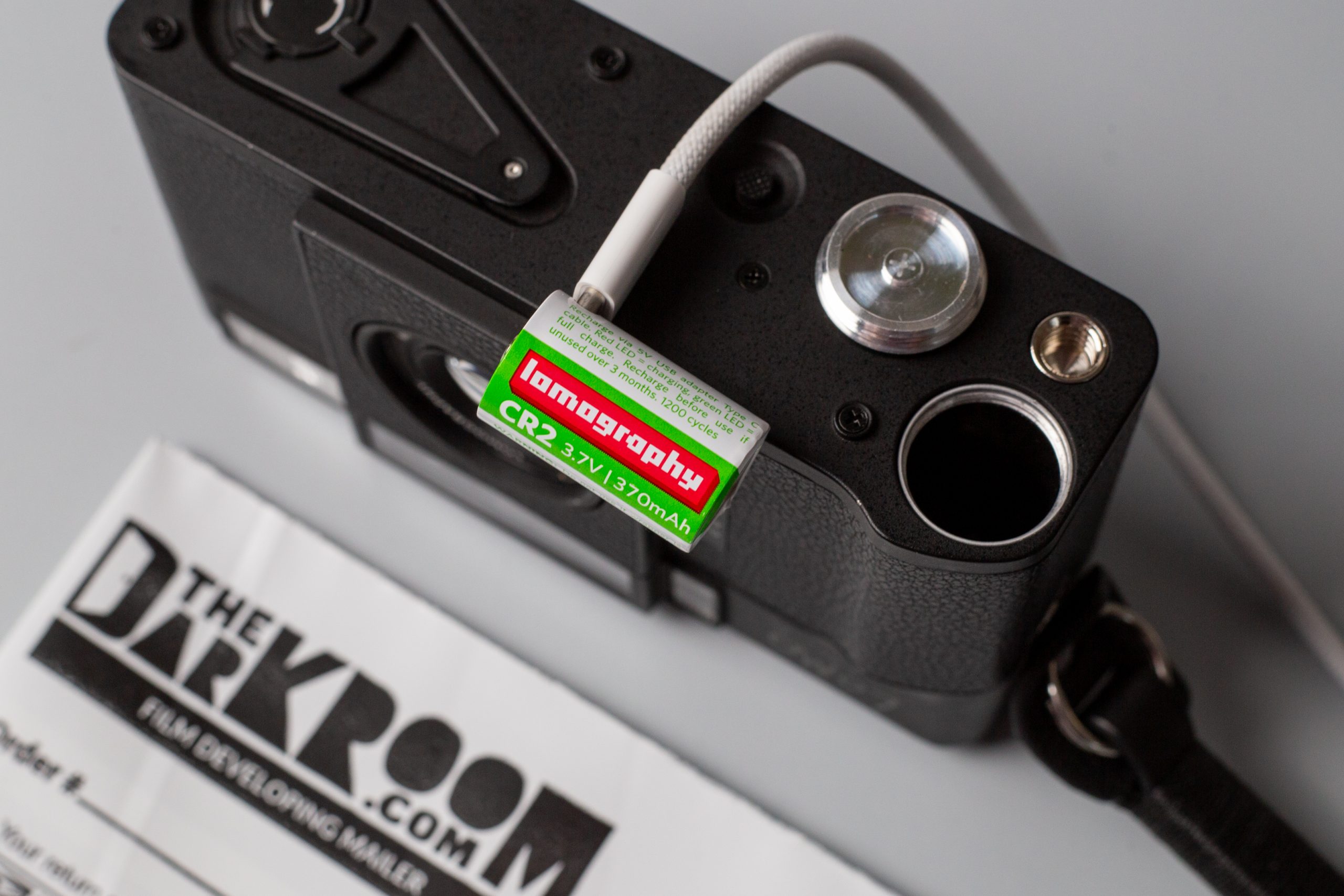
- A rechargeable USB-C battery
- A metal exterior
- And yes, a warranty
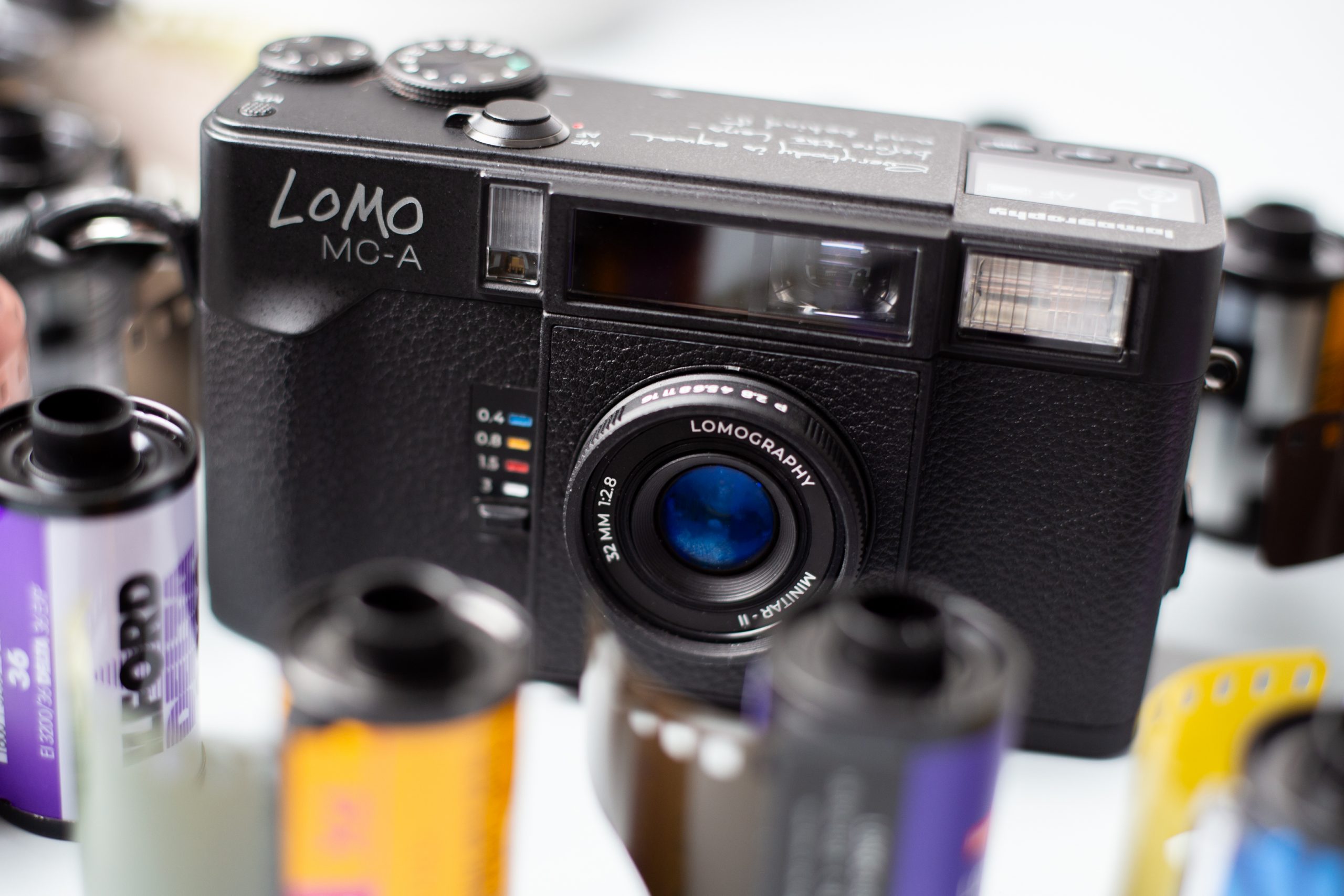
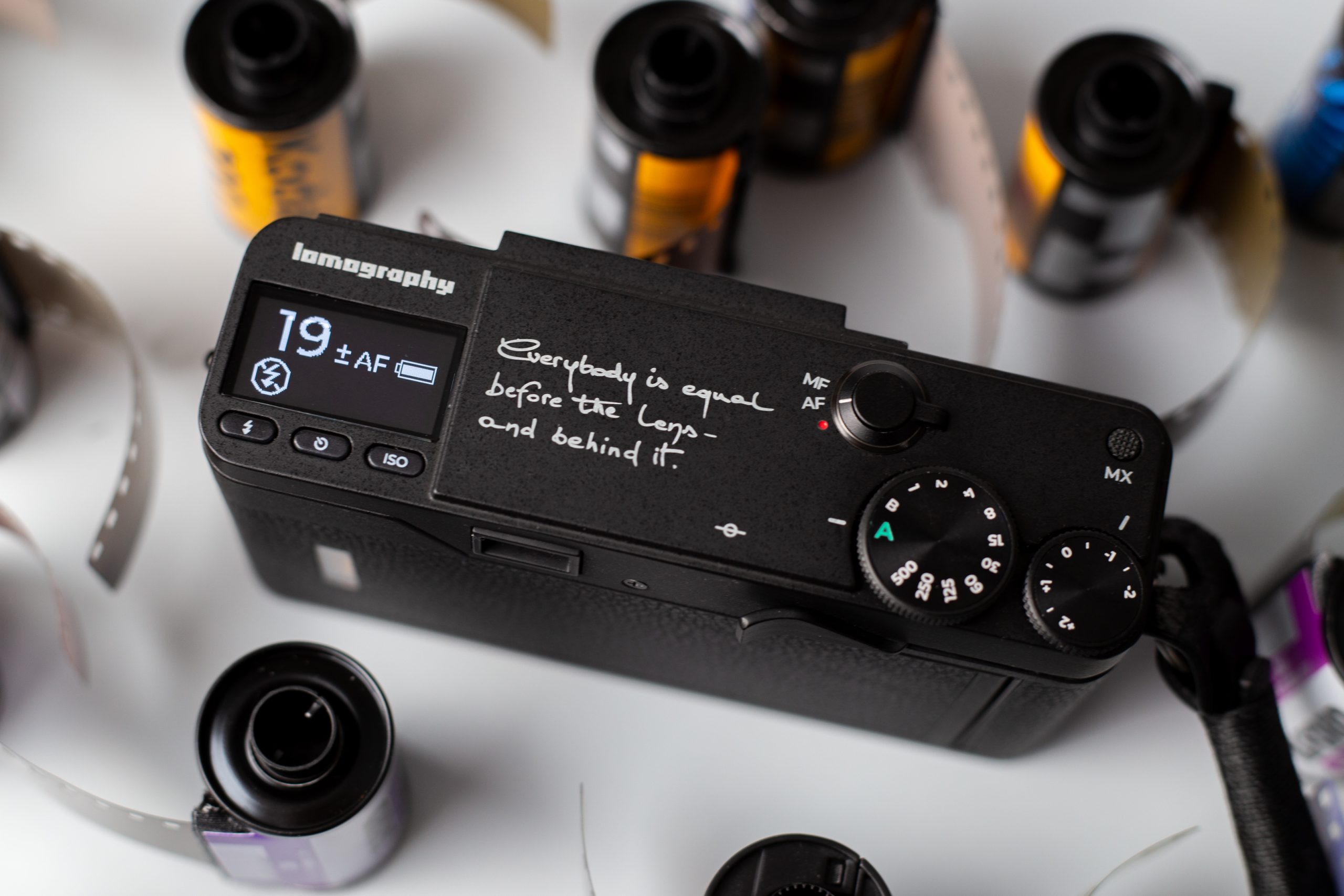
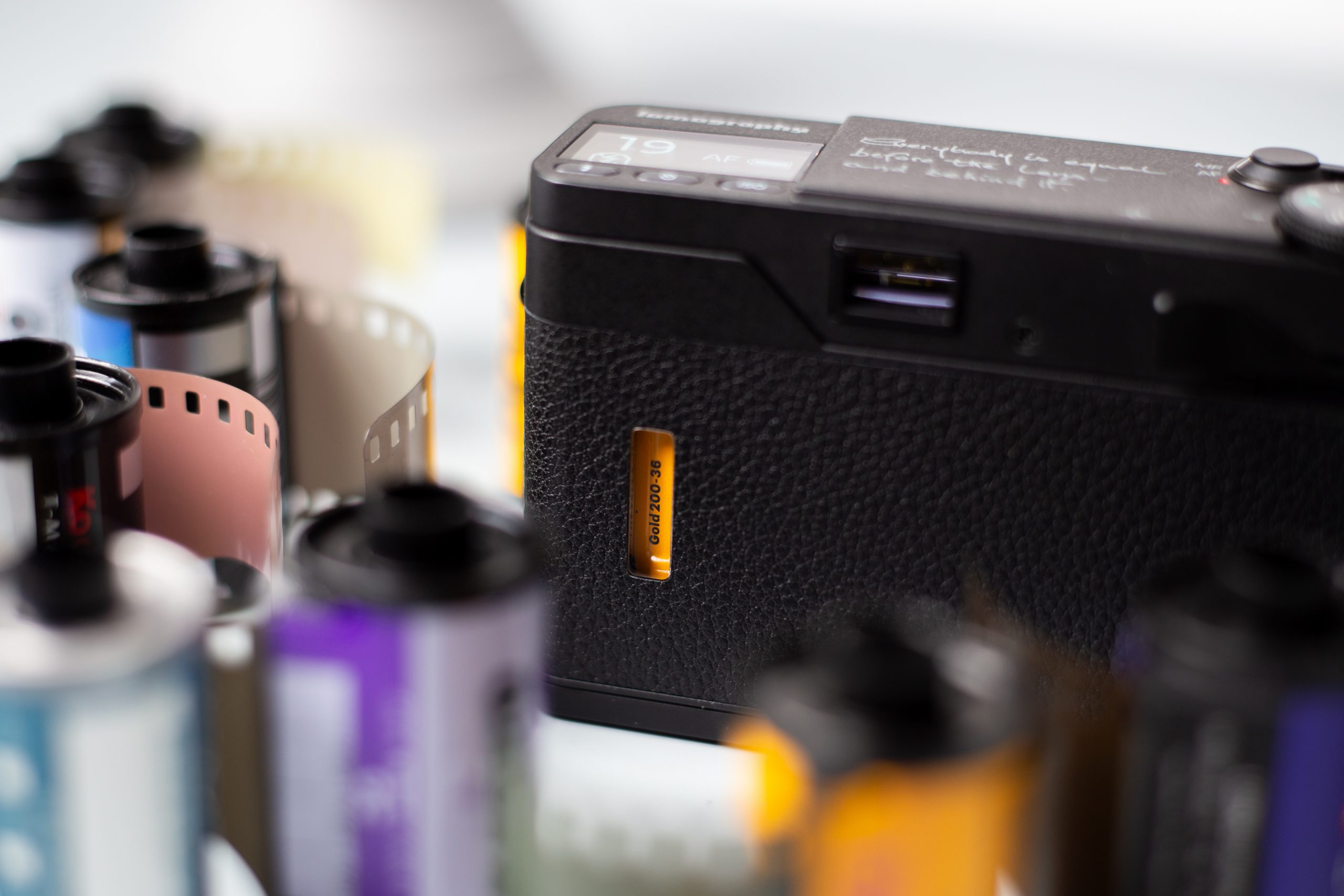
That combination alone makes it rare.
Most point and shoot cameras from the 90s gave you autofocus and auto exposure, but that was usually it. Manual control was minimal or nonexistent. Lomography has made film cameras for years, but they’ve traditionally leaned toward manual focus or zone focus designs with simpler, more analog-leaning operation.
The MC-A is a massive step forward. It’s still very much a Lomography camera, but functionally, it’s in a different league.
Build Quality, Size, and Handling
The Lomo MC-A feels solid in hand. It features a metal exterior, giving it a reassuring weight and durability without feeling bulky. In terms of size, it lands right in familiar territory:
- Larger than a disposable camera
- Smaller than many classic 90s autofocus point and shoots like Canon SureShots or Nikon OneTouches
- Roughly comparable to an average 90s compact
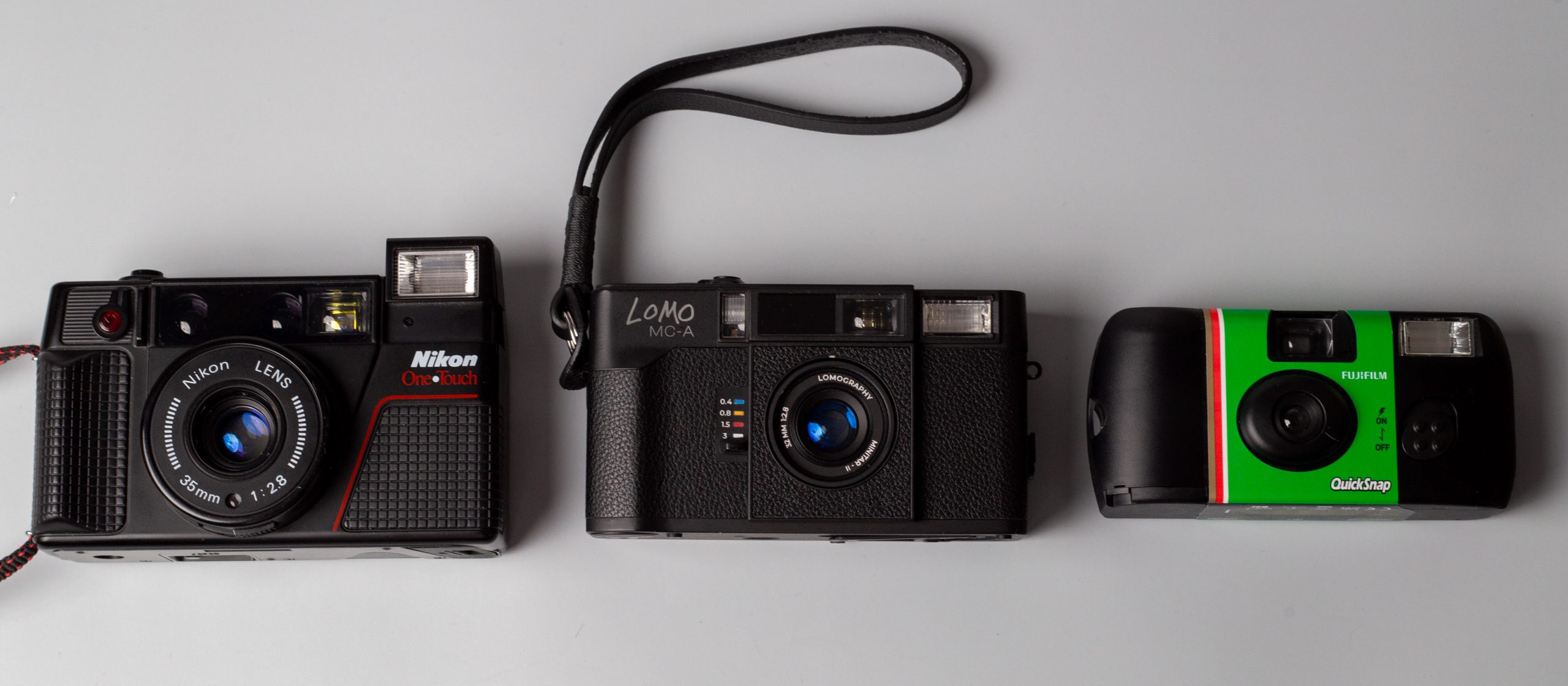
It’s not tiny, but it’s absolutely bag friendly and comfortable for everyday carry.
Like a Contax T-series camera, the lens extends when powered on. By default, the camera starts in full auto, but switching to aperture priority is as simple as rotating the front lens ring. That tactile control feels intuitive and genuinely enjoyable to use.
A Unique Choice: Manual Advance and Rewind
One of the most distinctive aspects of the Lomo MC-A is that despite being an electronic autofocus camera, it uses manual film advance and manual rewind.
At first, this takes some adjustment. Most of us are conditioned to expect auto advance from point and shoots, and there were moments early on where we instinctively went to take another photo only to realize the film hadn’t been advanced yet.
That said, the learning curve is short. After a roll or two, it becomes second nature.
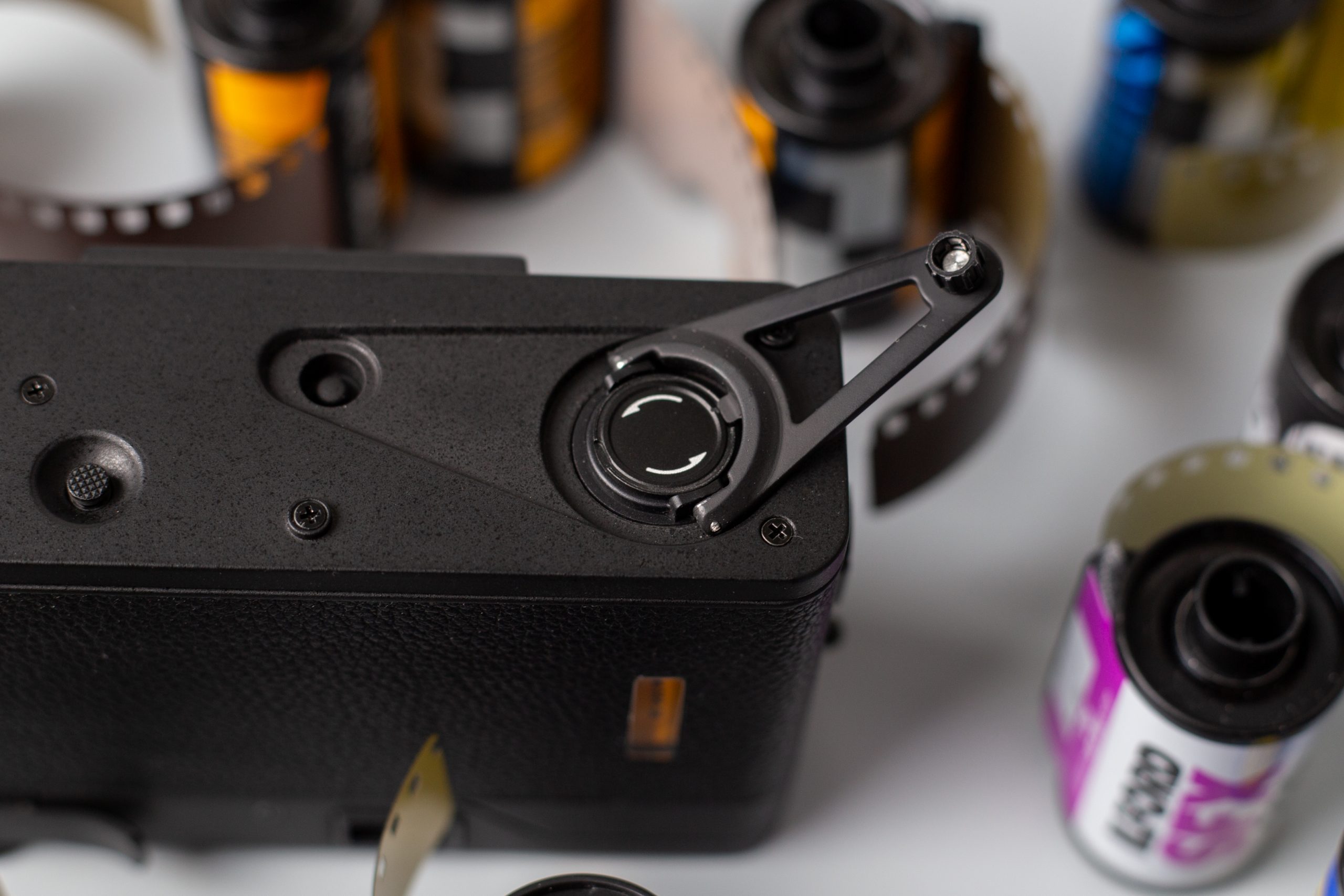
The rewind mechanism is reminiscent of classic cameras like the Rollei 35. On an early pre-production unit, we experienced an issue where the rewind lost tension, leading us to mistakenly think the roll was fully rewound. That resulted in some light leaks when the back was opened.
Importantly, we did not experience this issue at all with the final production version. Over five rolls, rewind felt solid and reliable. As long as you keep pressure on the rewind and pay attention, it shouldn’t be an issue.
Lens and Image Character
The Lomo MC-A features a 32mm f/2.8 glass lens, which we think is an excellent focal length choice for a point and shoot.
- 32 mm f/2.8 multi-coated glass lens, five elements in five groups, and compact black metal body
- Not too wide, not too tight
- Ideal for everyday life, travel, and casual documentary photography
- Some distortion when close to subject
- Available Apertures: f2.8, f4, f5.6, f8, f11, f16


That said, this lens is not clinically sharp, especially wide open.
At f/2.8:
- Center sharpness is decent
- Edges are noticeably softer
- Vignetting is present
- Close subjects can show distortion
- Highlights can bloom slightly
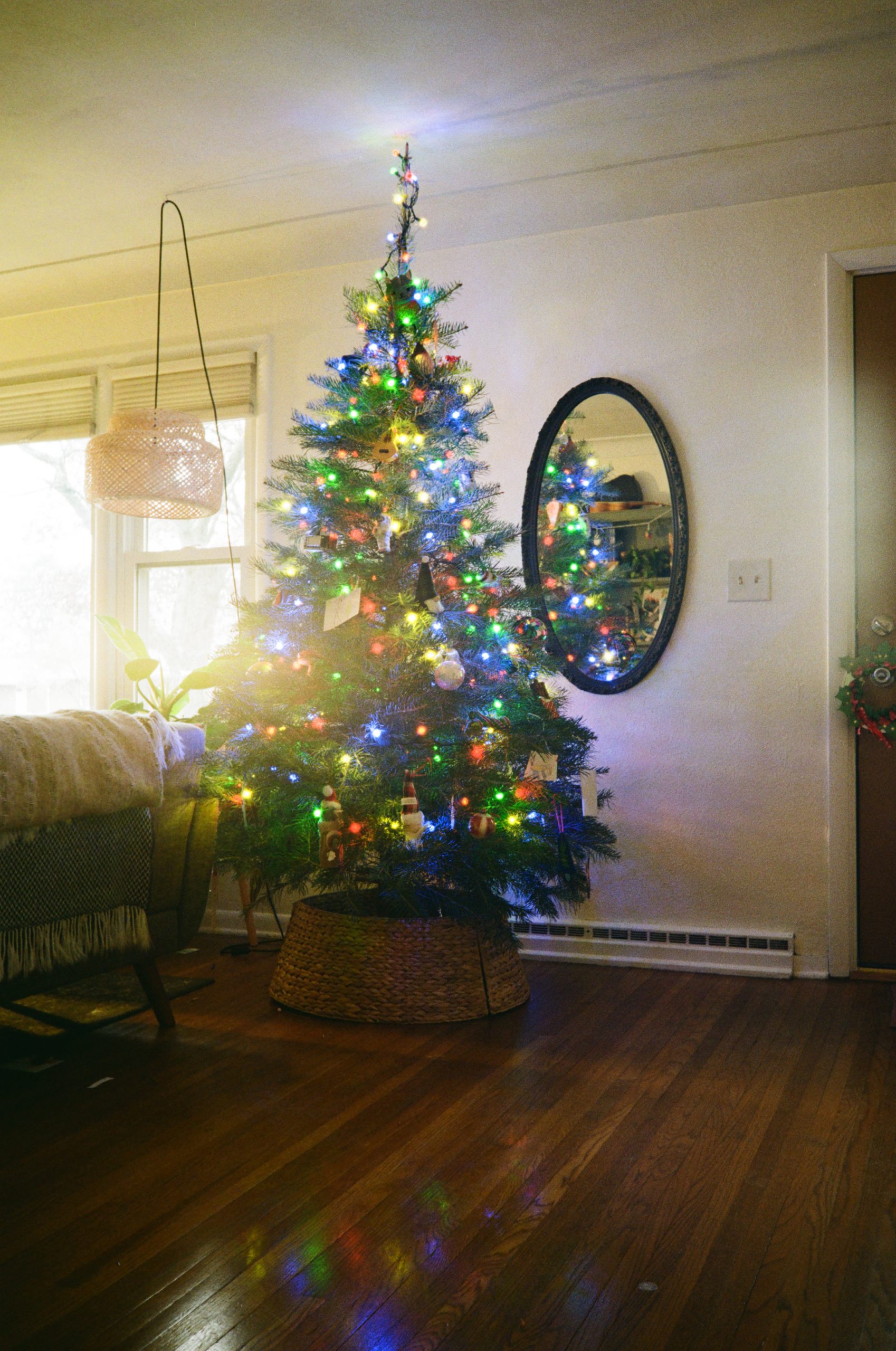
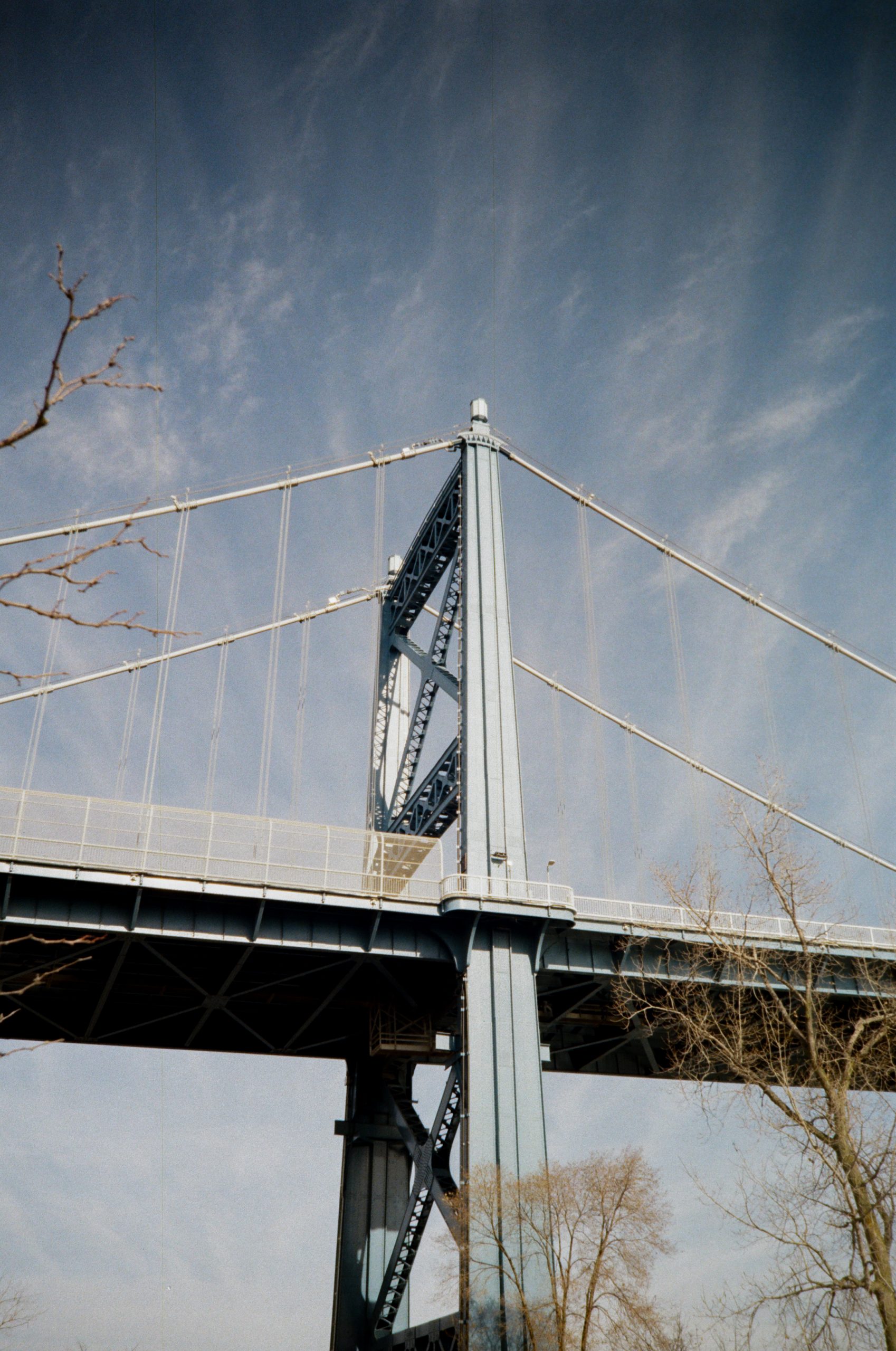
In fact, at times the lens behaves almost as if there’s a subtle ProMist filter applied. Highlights glow, contrast flattens slightly, and images take on a light, airy quality. This is very much in line with Lomography’s legacy.
If you enjoy character, atmosphere, and a bit of imperfection, this is a feature, not a flaw.
When you stop down to f/5,6, f/8 or f/11, the story changes:
- Much sharper from center to edge
- Significantly reduced vignetting
- Cleaner, more “classic” image rendering
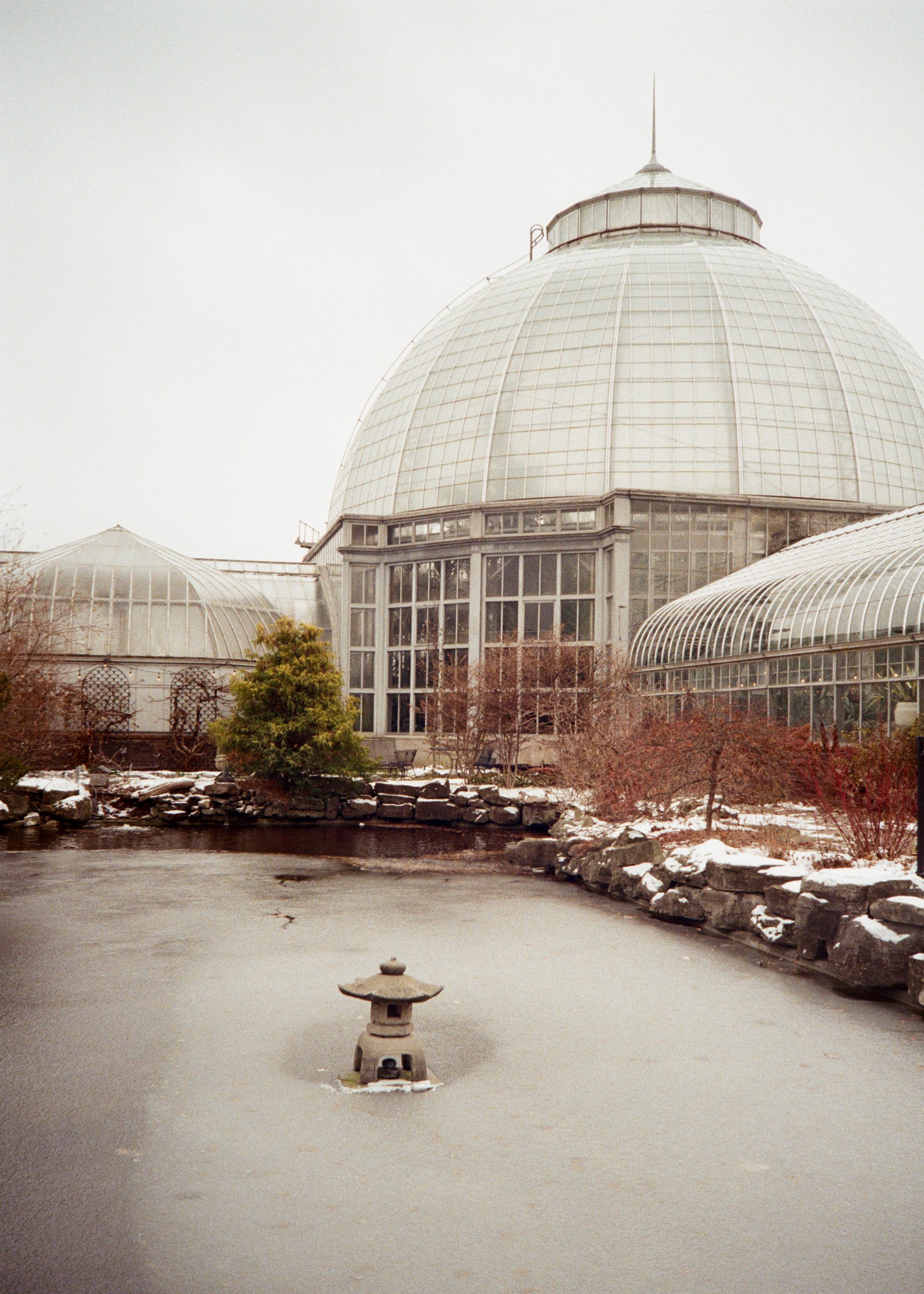
f/8 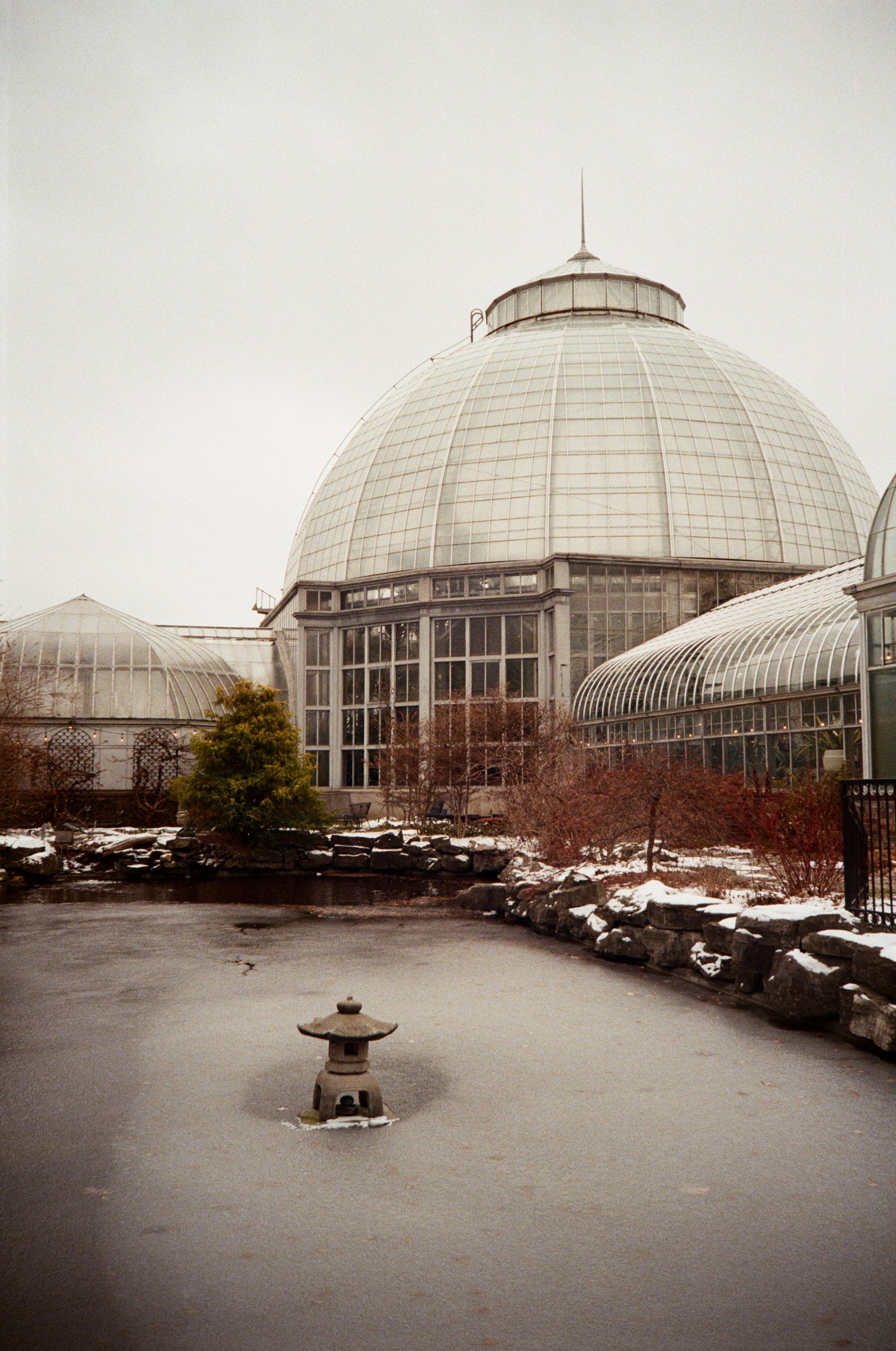
f/2.8
Auto Mode vs Aperture Priority: What We Learned
One important thing we discovered is how the camera behaves in full auto mode.
The MC-A tends to prioritize shutter speed, often selecting its maximum shutter speed of 1/500th in bright conditions. That frequently results in shooting at f/2.8 or f/4, even when stopping down could improve overall sharpness.
Early on, we didn’t think much of it. The images looked fun, characterful, and very “Lomo.” But once we started intentionally switching to aperture priority, we found a sweet spot.
With enough light, choosing f/8 or f/11 brought shutter speeds down to around 1/60th or 1/125th of a second, which is perfectly manageable handheld. The resulting images were sharper with less vignetting.
The takeaway:
- Auto mode is great for ease and character
- Aperture priority is excellent when you want control and sharpness
- DX code recognition & manual overwrite
- Available ISO Settings: 12, 25, 50, 100, 200, 400, 800, 1600, 3200,


Metering and Exposure Compensation
The MC-A meters slightly on the bright side and can be prone to overexposure in certain lighting but after a few rolls we got the hang of the metering as you can use the exposure compensation to help get the proper exposure in different lighting scenarios or use the manual exposure.
- Has +2 to -2 exposure compensation
- Even exposure compensation generally works best
- Adding +0.5 or +1 often pushed highlights too far in high contrast light.


If your subject is bright but surrounded by dark areas, the camera may try to lift shadows toward middle gray. In those situations, either:
- Get closer and lock focus/exposure on the subject
- Or dial in negative exposure compensation
- Shutter Speed: Auto 1/500 – 20 s; Manual bulb (B), 1/500 – 1 s


Low Light Performance and Flash
We were pleasantly surprised by how well the MC-A performs indoors and in lower light.
Handheld shots at 1/30th, even 1/15th were often usable, provided the subject was centered and hands were steady.
The flash, however, is very strong which sometimes resulted in overexposure of the subject so we shooting close to a subject, we recommend:
- Built In Flash, PC – Flash Plug
- Dialing exposure compensation to −0.5 or −1
- Especially indoors or at short distances


The upside is that having a powerful flash gives you flexibility. Once you understand it, it’s easy to control.
Autofocus, Viewfinder, and Learning Curve
The LiDAR autofocus performs on par with most quality point and shoots. It’s generally reliable – especially in lower light, though like all systems, it can miss occasionally.
One thing to note: LiDAR can struggle when shooting through reflective glass. Thankfully, the MC-A allows you to switch to zone focusing, which is something most autofocus point and shoots simply don’t offer.
The biggest learning curve for us was the viewfinder.
It feels smaller and narrower than the actual 32mm field of view. Early on, we found that subjects we thought were centered often weren’t once we saw the scans but after a couple rolls, this stopped being an issue as we got used to the framing.


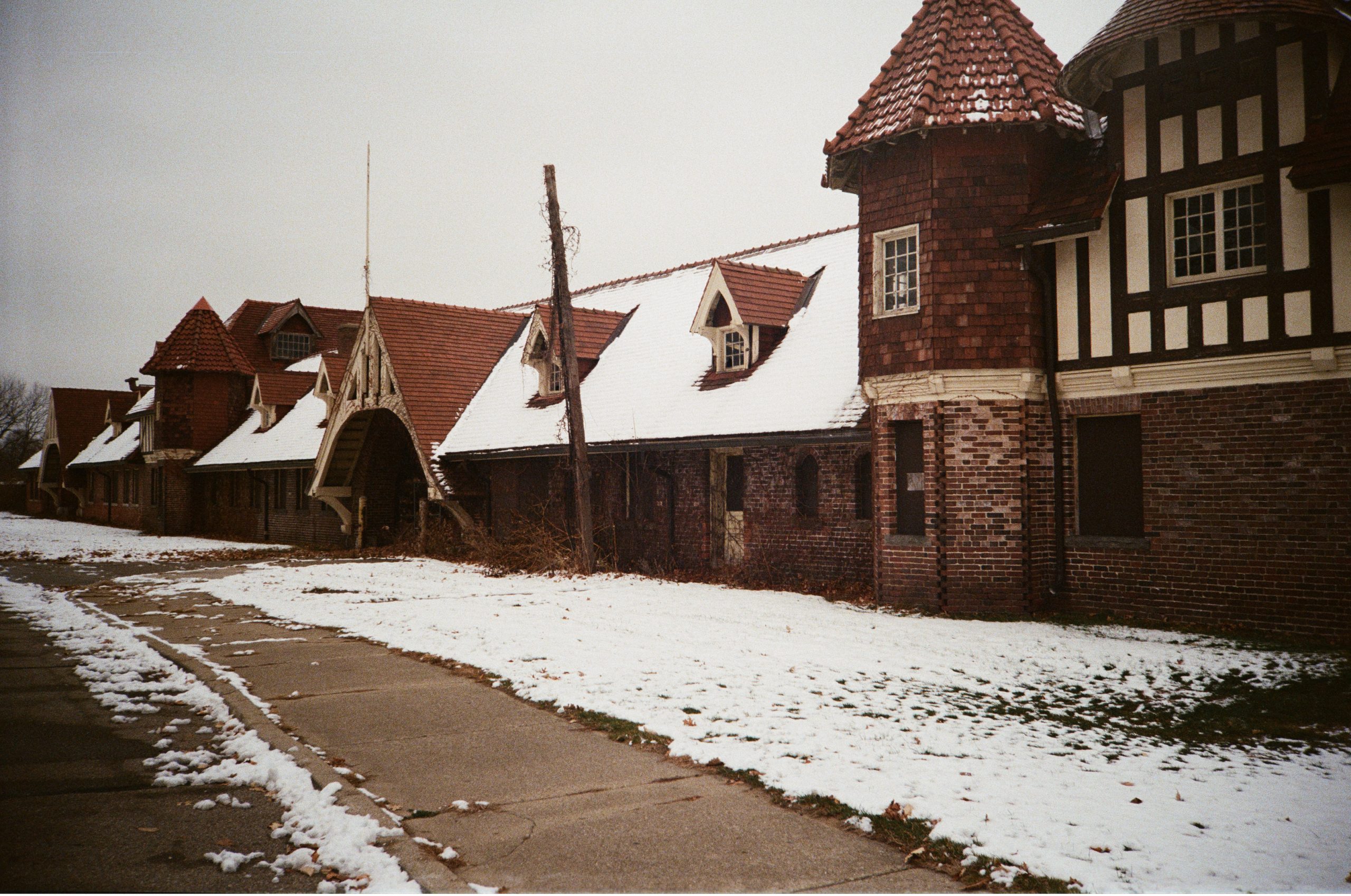

Extra Features That Truly Stand Out
A few things deserve special mention:
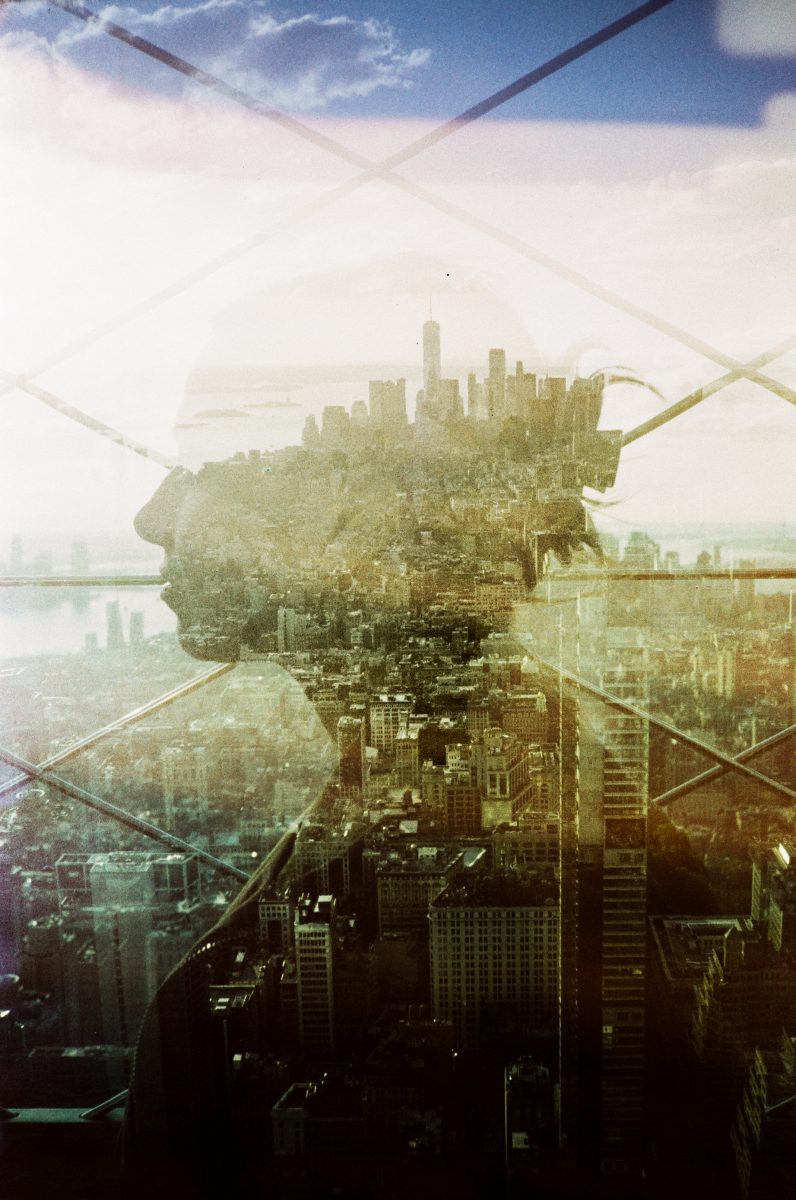
- Double Exposure Mode: Easy to activate, fun to use, and paired with an included rotating split frame filter that opens up creative possibilities.
- USB-C Rechargeable CR2 Battery: Genuinely one of our favorite features. Charge it like a modern device and keep shooting.
- Quiet Operation: The shutter and advance are subtle, making this a great everyday camera.
- Cold Weather Note: In ~20°F weather, the on/off switch stiffened slightly. Not a dealbreaker, and unlikely to affect most users.

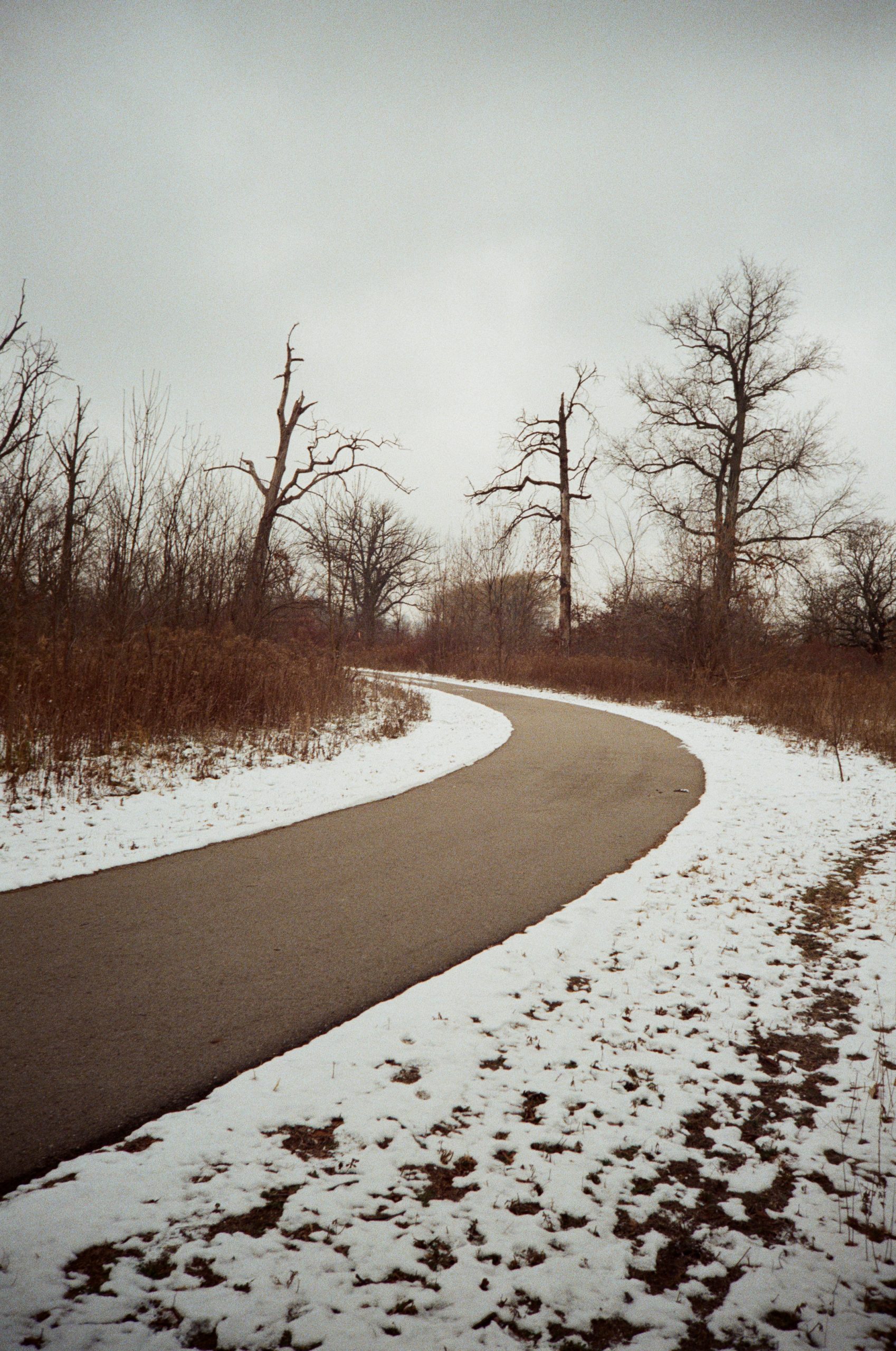

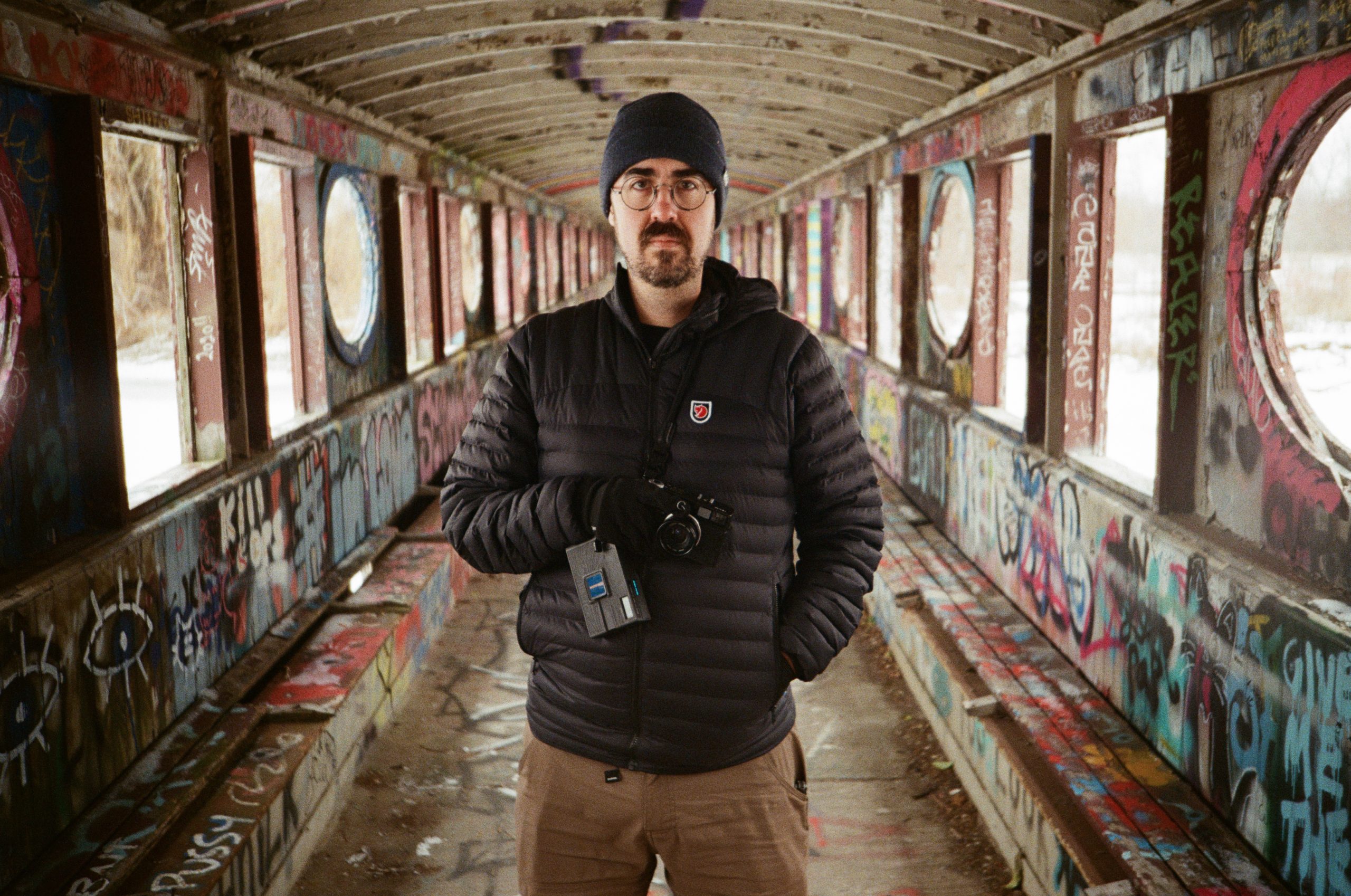
Film Recommendations
Here at The Darkroom, we develop, scan, and print a huge volume of film shot on point and shoot cameras. During our time testing the MC-A, we mainly shot Kodak Ultramax 400 and Kodak Gold 200, with Ultramax being our most used and overall favorite.
- Kodak Ultramax 400: Our most used film during testing and our favorite pairing with the MC-A. It’s affordable, extremely versatile, and works well across a wide range of lighting conditions.
- Kodak Gold 200: A great daylight option that also paired nicely with the camera, offering classic color and warmth.
- Kodak Ektar 100 (future recommendation): Due to the MC-A’s lower-contrast lens and occasional highlight glow, we’re excited to shoot Ektar 100 on bright, sunny days. Ektar’s high contrast and saturation should be nicely balanced by the lens’s character, potentially resulting in a sharper, more punchy overall image.



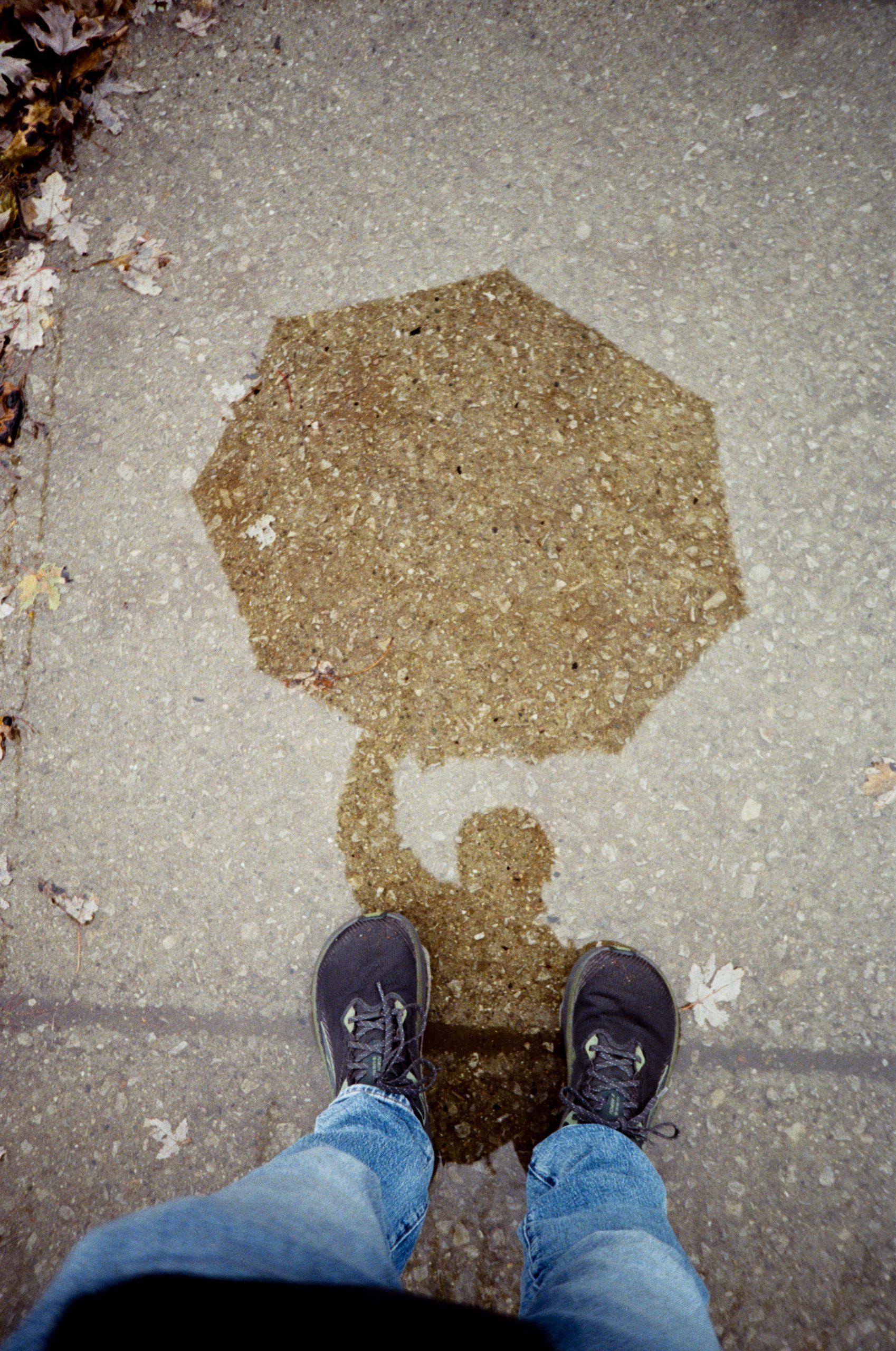
Final Thoughts: Is the Lomo MC-A Worth It?
At an estimated price of $550, the Lomo MC-A isn’t cheap. But when you consider what it offers, it’s a fair price.
You’re getting:
- A brand-new autofocus film camera
- Modern electronics and LiDAR AF
- Manual and auto shooting options
- Creative flexibility
- A warranty
- And reliability that vintage point and shoots simply can’t promise anymore

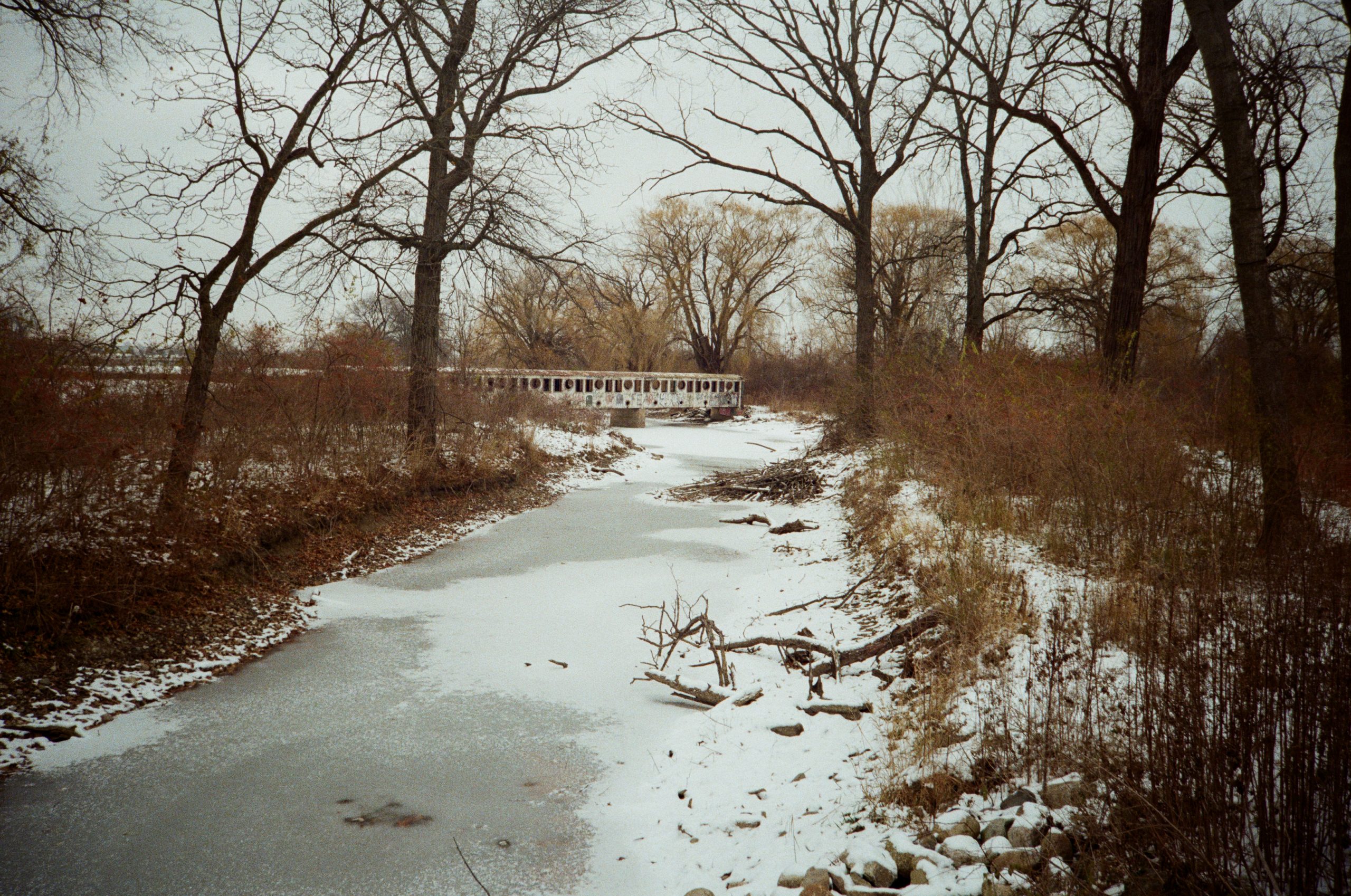
If you enjoy the look of classic Lomography cameras but want more precision, ease of use, and flexibility, the Lomo MC-A is absolutely worth considering. It is currently up for preorder for $549.00 with an estimated shipping January 2026.
We’re excited to see what others create with it, and we’re looking forward to developing and scanning many more rolls from this camera here at The Darkroom.
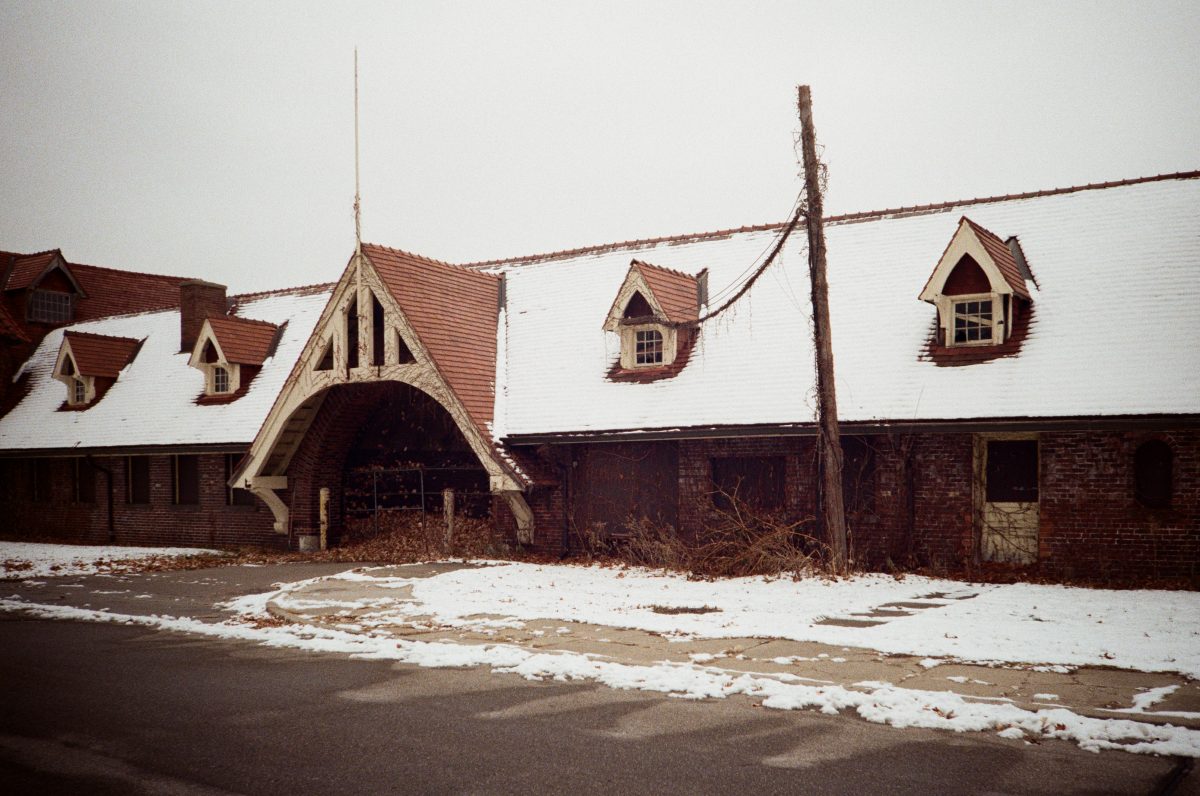
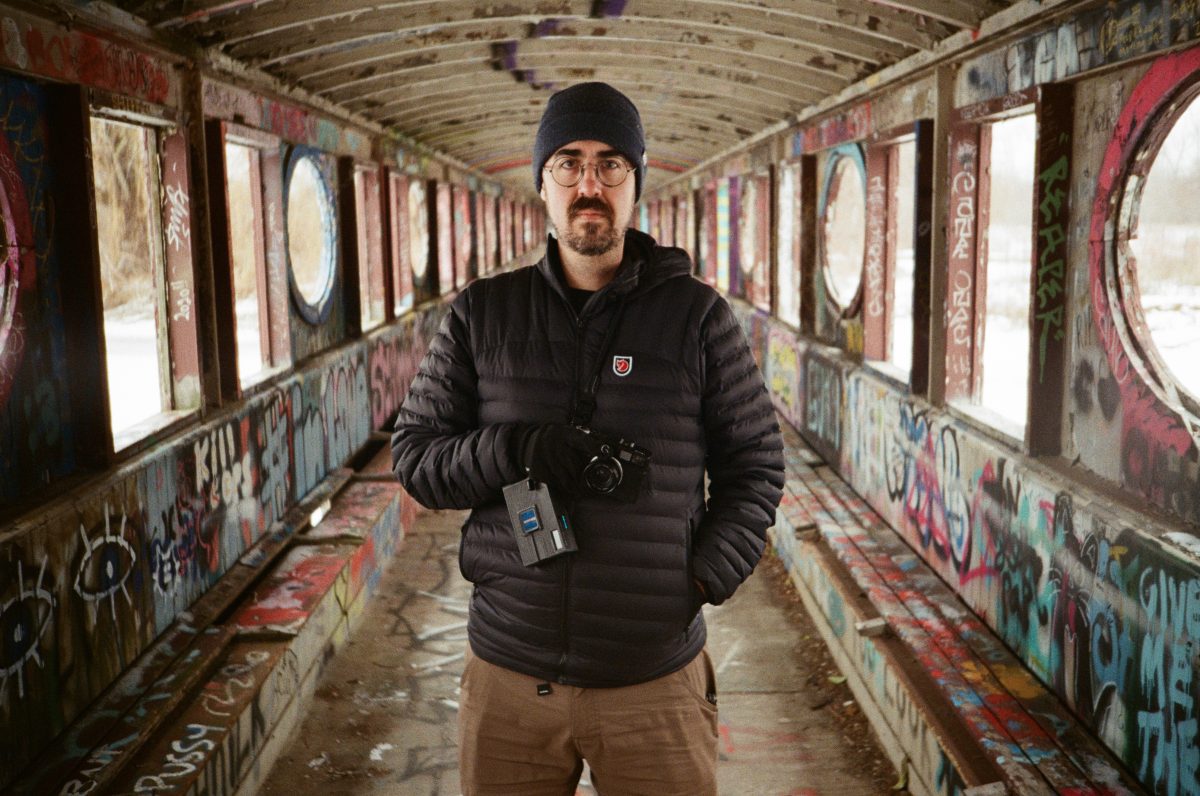
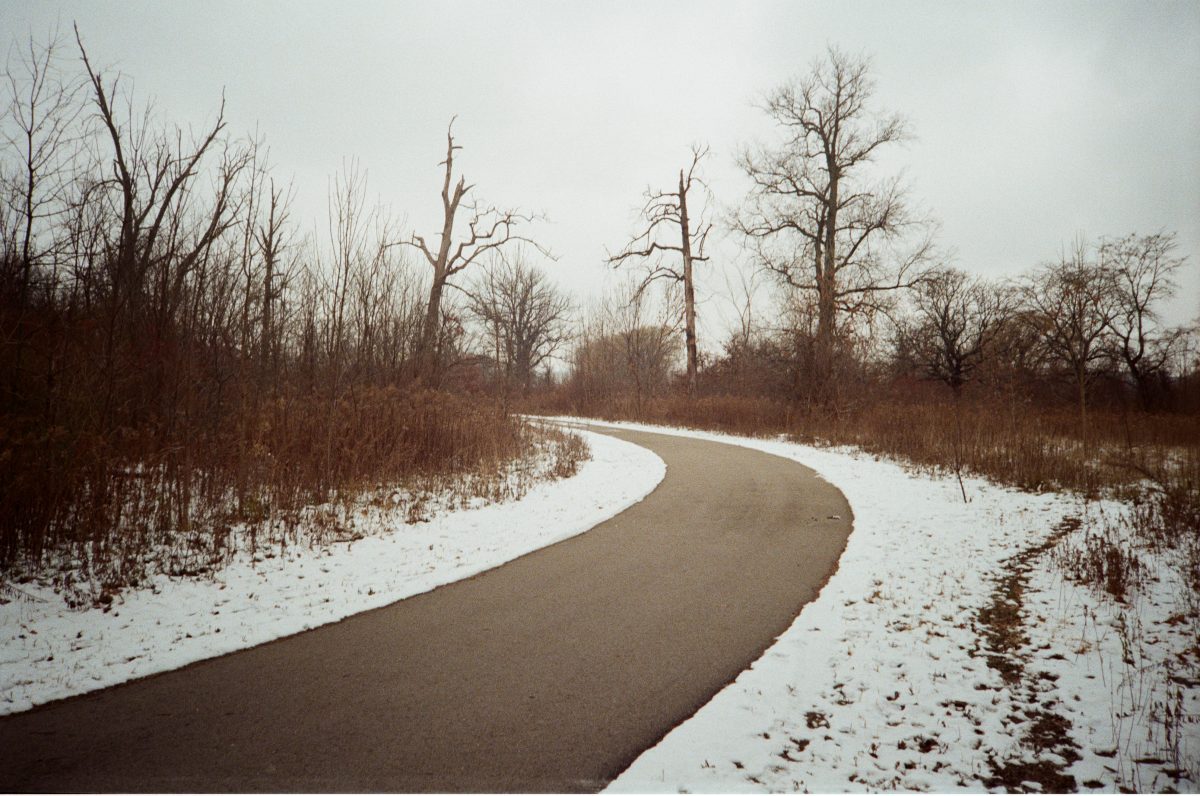
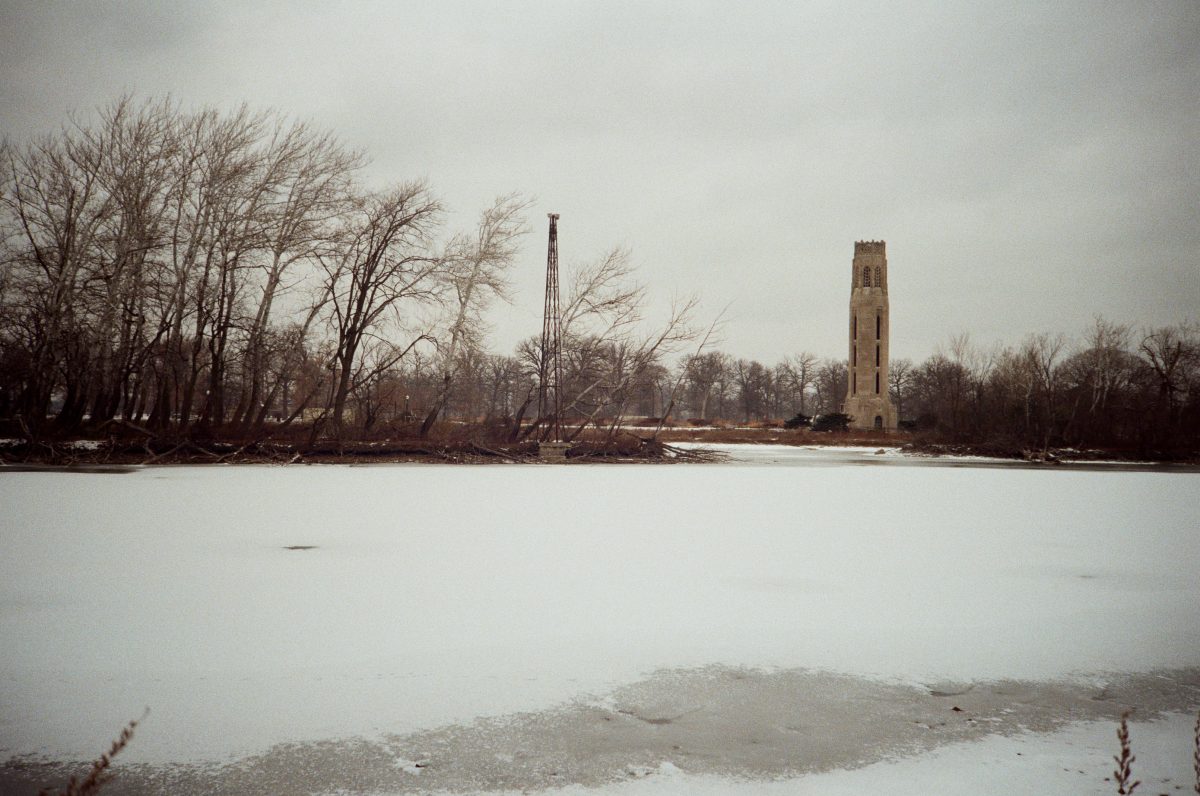
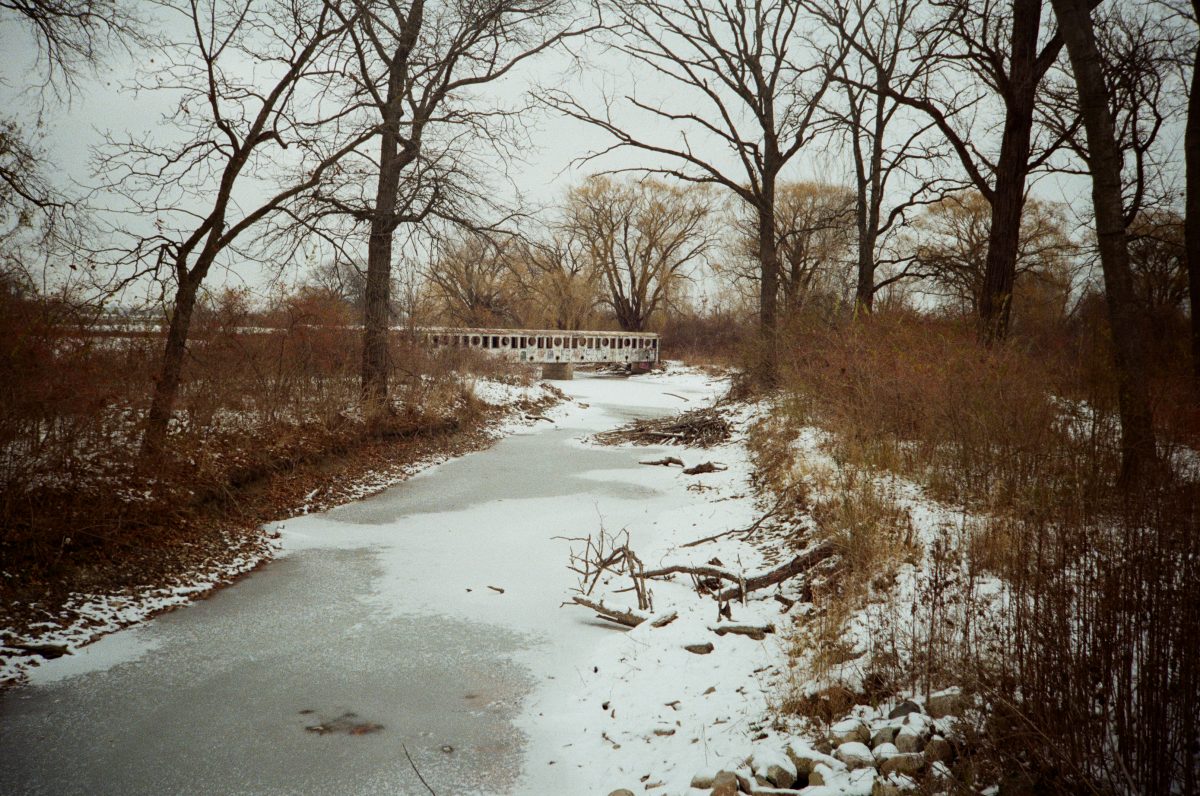
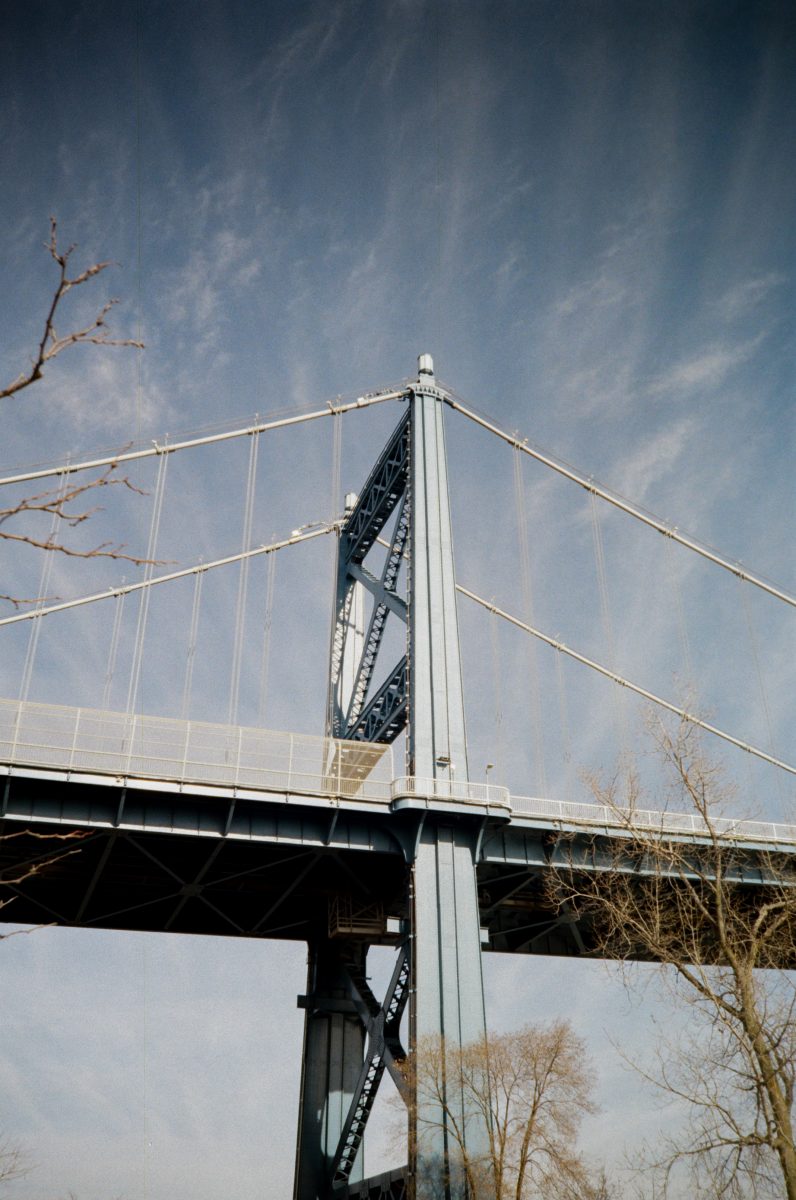
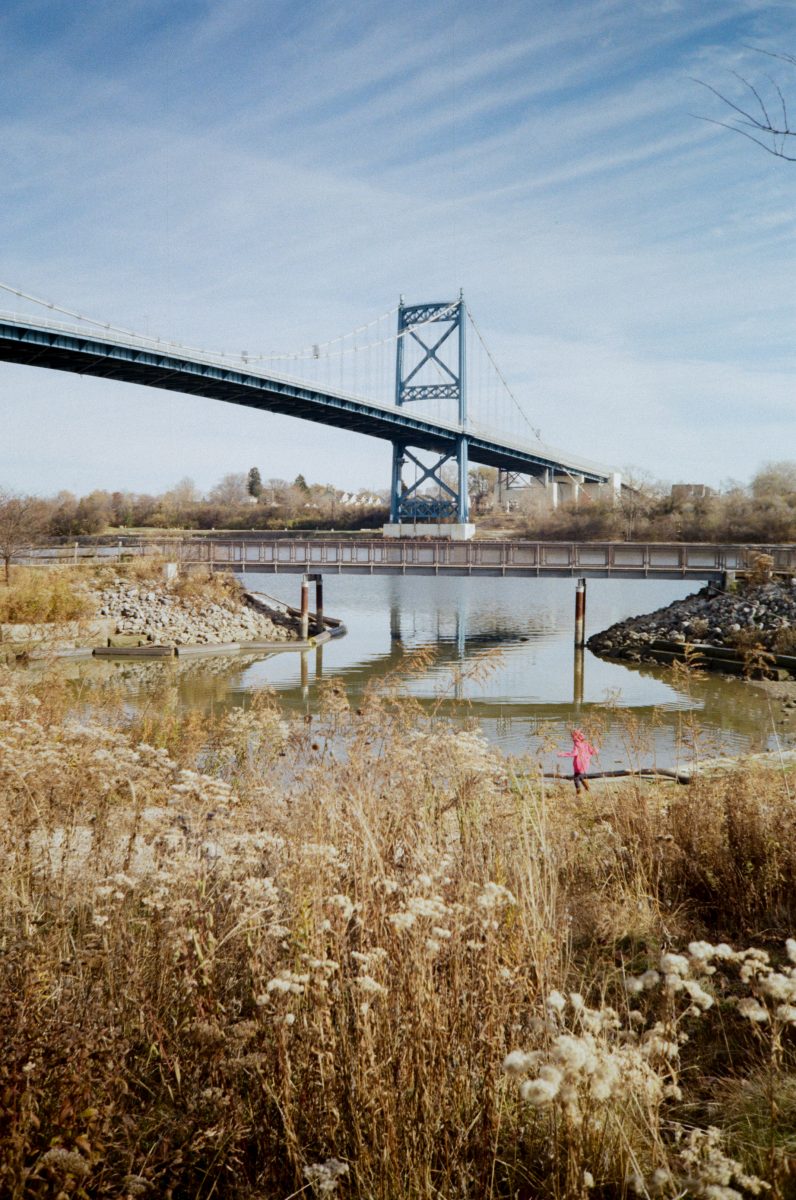
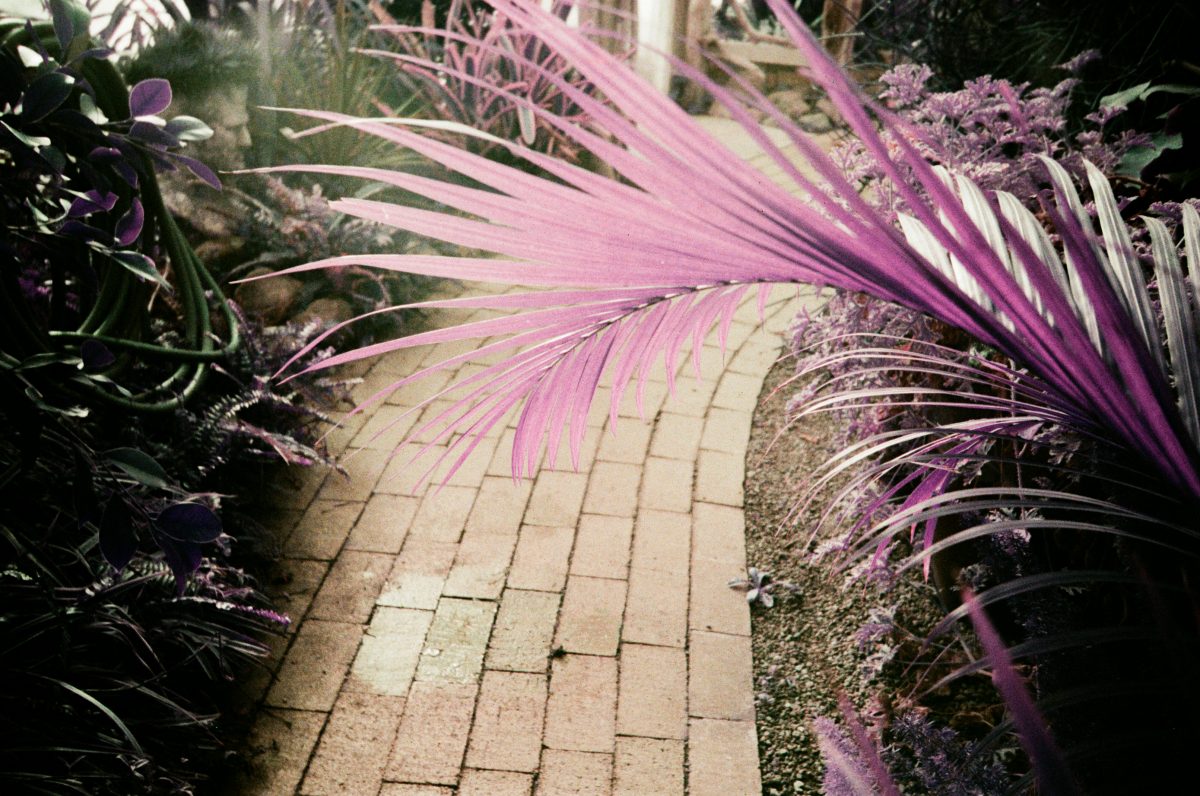
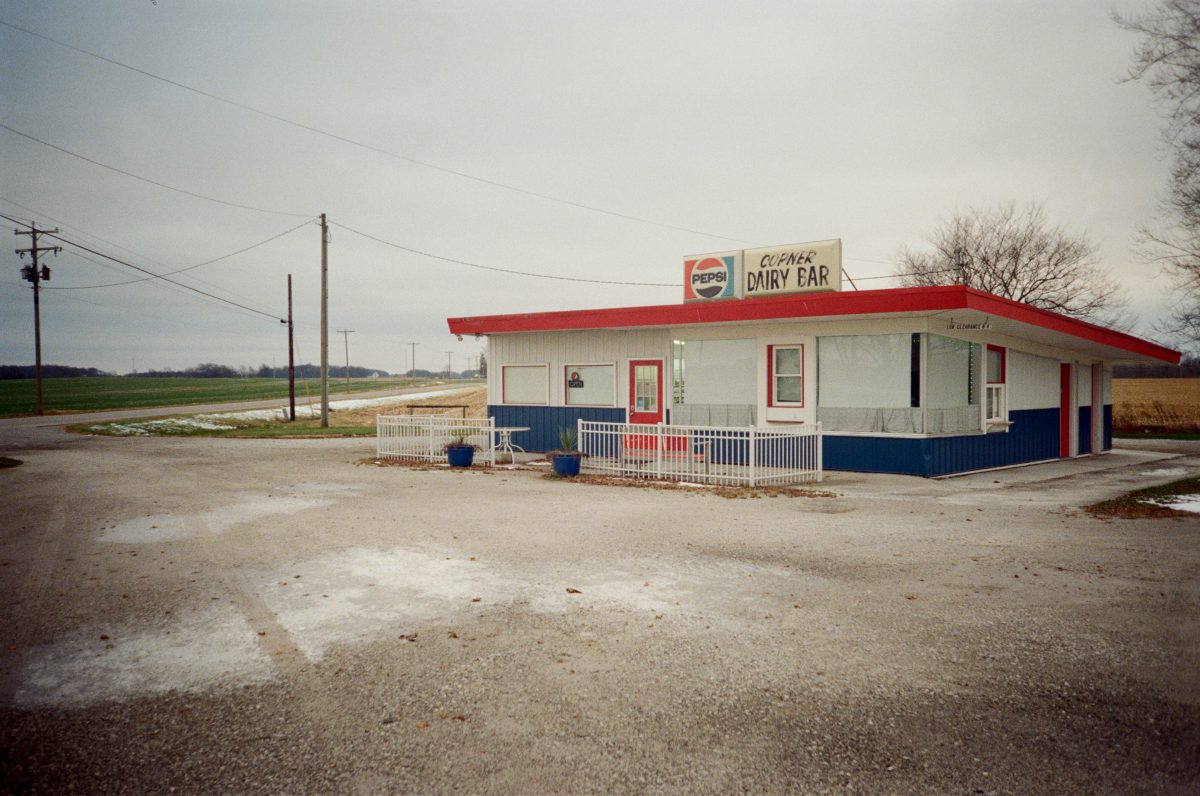
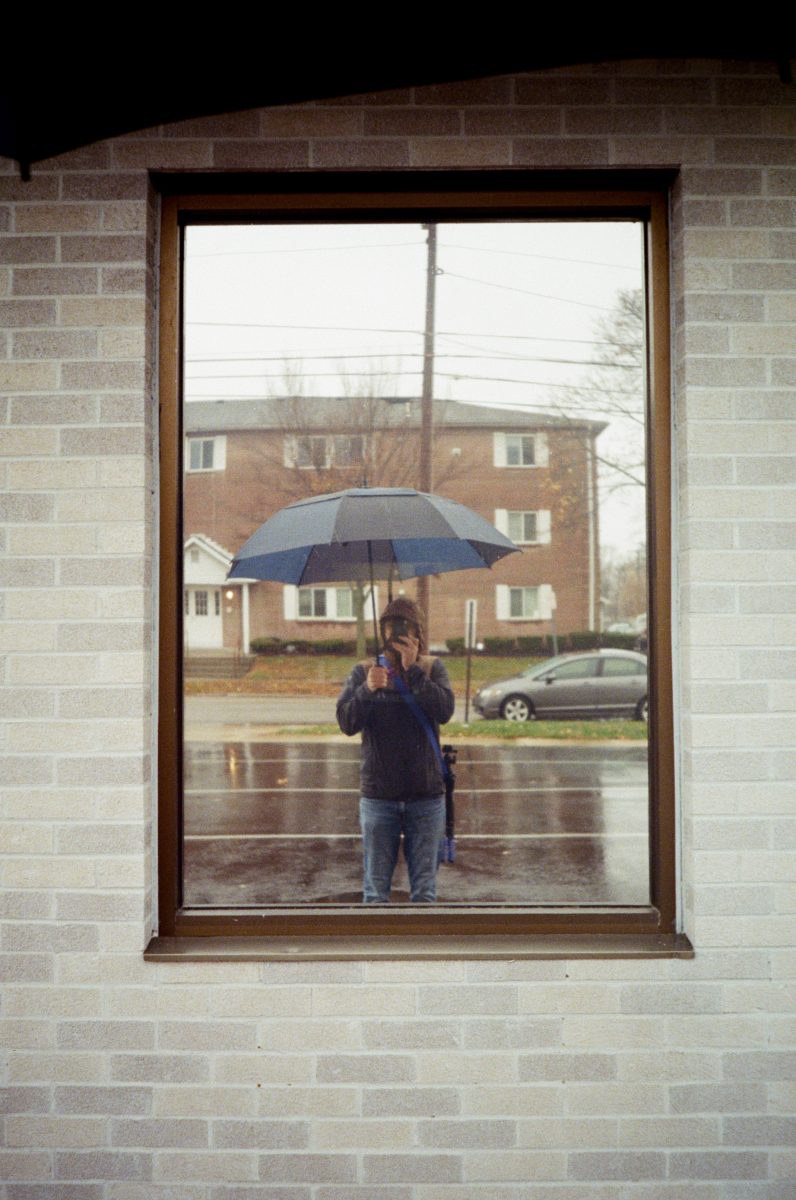
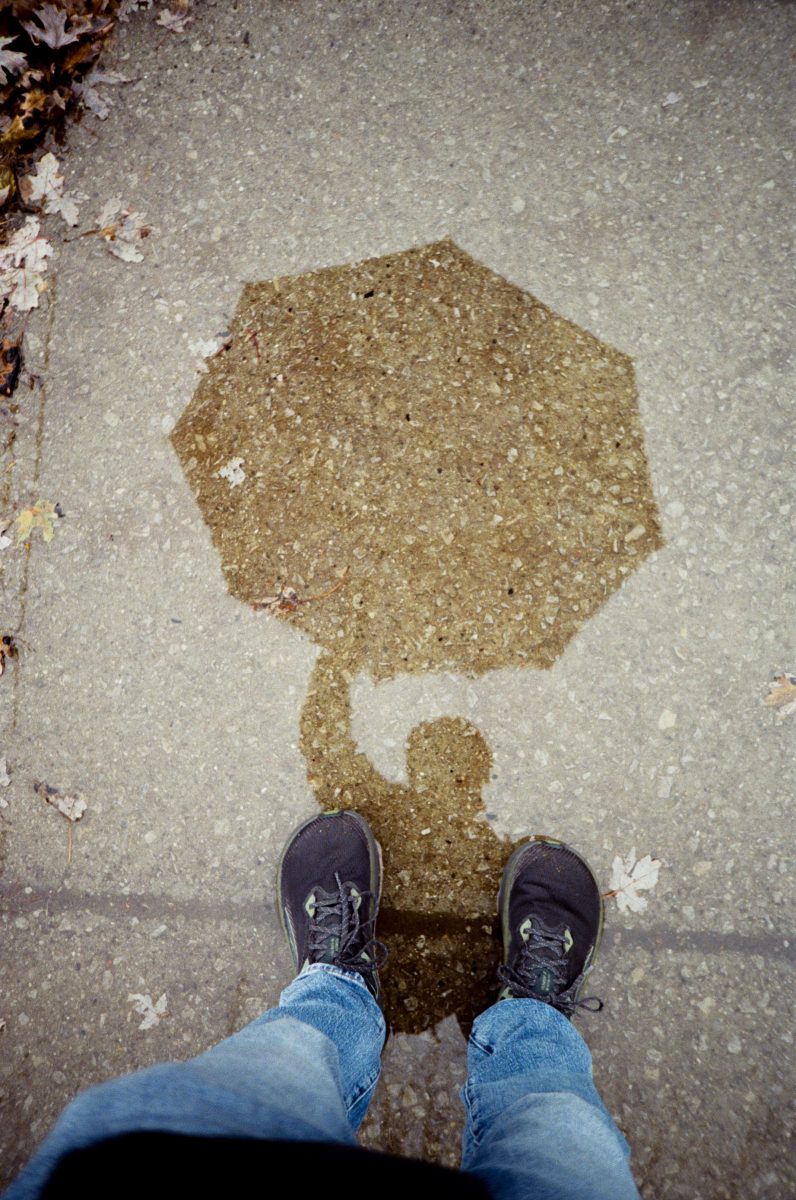
Sample images!